


Shopify Store Login: A Complete Guide for Store Owners in Qatar
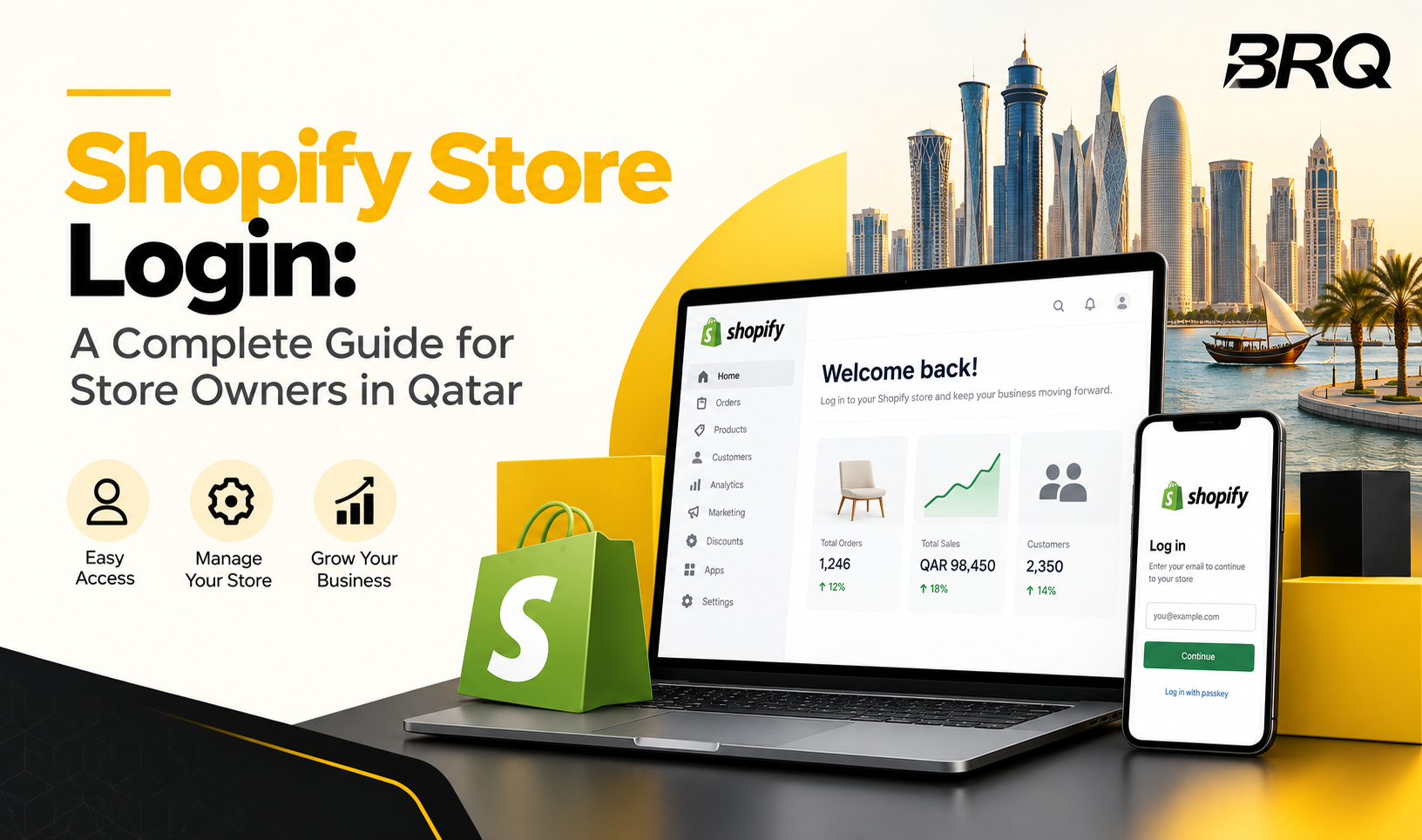
Doha now has 1,662 live Shopify stores, making it one of the busiest Shopify markets in the region. Every one of these stores starts the same way: a simple, secure login. This guide walks you through how to log in, fix common login problems, protect your account, and manage your store with confidence in 2026.
Why Shopify Login Matters for Store Owners in 2026?
Your Shopify login is the front door to your entire business. Once you sign in, you control your products, orders, payments, and customer data, all from one place.
A weak or shared login puts your whole store at risk. Check out why this matters for your business in 2026:
- Hackers target small business accounts because owners often reuse weak passwords.
- Your Shopify Store Login connects directly to customer payment and personal data.
- A locked-out account can stop sales completely until you regain access.
- Multiple staff members often need different access levels to your store.
Treat your login like the key to your shop’s front door, not just another password to remember. As your store grows and you hire more staff, this single login point becomes the foundation for everything else you build on top of it, from marketing automation to inventory syncing.
Many Qatar-based sellers manage their entire storefront, customer support, and payment tracking through this one login. That means even a small security gap can affect every part of the business at once, not just one section of the store.
Step-by-Step Shopify Login Guide for 2026
Logging into your store takes less than a minute once you know the right steps.
- Go to your store’s login page. Type your store name followed by “.myshopify.com” or use your custom domain.
- Enter your email and password. Use the same email you used to create your Shopify account.
- Complete two-factor authentication. Enter the code sent to your phone or authentication app.
- Land on your Shopify Admin Login dashboard. This is where you manage products, orders, and settings.
- Bookmark your login page. It saves time and avoids typing the wrong URL by mistake.
Once you are inside your dashboard, you might notice features locked behind a higher plan. If your store is outgrowing the basics, our guide on Shopify vs Shopify Plus: Which Is Best for Businesses in Qatar? breaks down exactly when it’s worth the upgrade.
If you are a developer working on a client’s store, you will use the Shopify dev dashboard instead, which gives you access to test stores, apps, and API credentials separately from the live store. This separation matters because it keeps your testing work away from real customer orders and live payment data.
Store owners who manage more than one shop should also label each login clearly in their password manager. Confusing two stores during login can lead to accidental changes on the wrong storefront, which happens more often than most owners expect.
Troubleshooting Common Shopify Login Issues in 2026
Login problems happen to every store owner at some point. See how to fix the most common ones fast.
- Wrong store URL: Double-check your exact store name. Even one typo sends you to an error page.
- Forgotten password: Click “Forgot password” and follow the reset link sent to your email.
- Two-factor code not arriving: Check your phone signal, or use a backup authentication method if you set one up.
- Account locked after failed attempts: Wait a few minutes, then try again, or contact Shopify support directly.
- Browser cache issues: Clear your browser cache or try logging in through an incognito window.
- Outdated staff permissions: If a staff member can’t access a section they need, check their permission settings under your account list.
If none of these fix your issue, a Shopify development company can check for deeper account or domain configuration problems, such as DNS issues or broken custom domain connections that block login entirely.
Enhancing Your Shopify Login Security
Your Shopify dashboard holds sensitive business and customer data, so protecting it becomes as essential as protecting your cash register.
- Follow these steps to keep your account secure:
- Turn on two-factor authentication for every staff account, not just the owner’s.
- Use a strong, unique password that you don’t reuse on other websites.
- Review your staff account list regularly and remove access for anyone who no longer works with you.
- Avoid logging into your store on public or shared computers.
- Check your login activity log periodically for unfamiliar sign-ins.
- Set a reminder to update passwords after any staff member leaves your business.
Under Qatar’s Personal Data Protection Law, businesses must keep customer data secure and limit access to authorized staff only. Weak login practices can put your business at risk of non-compliance, not just theft. This becomes especially important if your store handles customer addresses, phone numbers, or payment details tied to Qatari IDs or local bank cards.
Store owners should also avoid storing login details in plain text files or shared spreadsheets. A proper password manager keeps credentials encrypted and makes it easy to revoke access instantly when needed.
Advanced Tips for Shopify Login and Store Management
Once your login is secure, focus on making daily Shopify store management smoother for you and your team.
- Set custom permission levels so staff only see the sections they need.
- Use the Shopify mobile app to check orders and login activity while away from your desk.
- Save your login credentials in a secure password manager, not a notes app or spreadsheet.
- Schedule regular password updates every few months for extra protection.
- Assign one team member to manage staff access and login records as your store grows.
As your business adds more products, staff, and sales channels, login management stops being a one-time setup and becomes an ongoing part of running your store. Businesses that treat it this way avoid the scramble that comes with sudden staff turnover or account lockouts during busy sales periods.
BRQ, your local Shopify development in Qatar, helps store owners set up secure login systems, staff permissions, and account structures from day one. The team also supports ongoing Shopify development work, so your store stays secure as it grows, whether that means adding new staff roles, connecting third-party apps, or scaling into new sales channels.
Take Control of Your Shopify Login in 2026 With BRQ
A secure, well-managed Shopify login protects more than just your admin panel. It protects your customers, your data, and your daily operations. Getting this right from the start saves you time and stress later, especially as your store adds more staff, products, and sales channels over time.
If you want expert help setting up or securing your store, Shopify experts like BRQ will guide you through login setup, staff access, and full Shopify website development for your growing Qatar business.
Are you ready to build or secure your Shopify store? Talk to BRQ today and get your store set up for long-term success.
FAQs
What is a Shopify development store?
A Shopify development store is a free test store developers use to build, test, and customize features before launching them on a real, live store.
How do I create a Shopify development store?
Sign up through the Shopify Partner Dashboard, click “Create development store,” then choose a store name and starting template to begin testing.
What are the benefits of learning Shopify development?
You gain the skills to build, customize, and troubleshoot stores yourself, saving money on outside help and giving you full control over your store.
How can I develop a private app for my Shopify store?
Go to your Shopify Admin, open the “Apps” section, select “Develop apps,” then create a custom app with the specific permissions your business needs.
